01Clip Me Money· Creator tools · desktop app · 2026
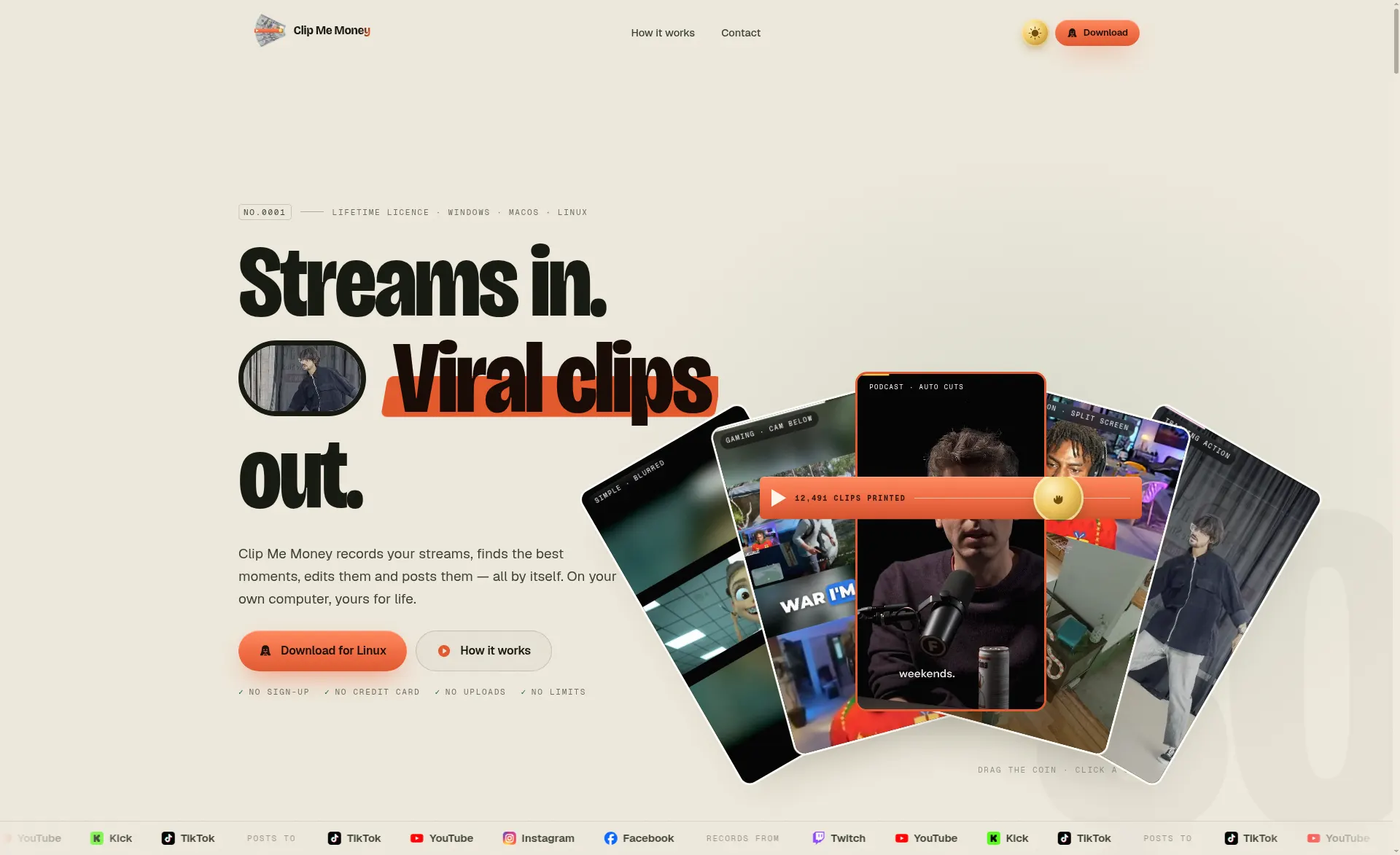
Streams in, viral clips out — a desktop app that clips, edits and posts on autopilot, on your own computer.
Clip Me Money records streams, finds the moments worth posting, edits them into vertical clips in each creator's style and publishes them to TikTok, YouTube, Instagram and Facebook — free to run, with a local AI model built in and no cloud at all.
- Sector
- Creator tools · desktop app
- Year
- 2026
- Scope
- Own product — design, engineering & launch
- Categories
- AI & machine learning, Tools & utilities
$0$0 - server cost to run
00 - platforms it posts to
00 - operating systems
01The brief· What had to exist
The starting point.
Clipping a stream by hand means hours of scrubbing, then cutting, captioning, reframing and uploading to every platform, one by one, every day. Online tools charge monthly for credits, run everything in someone else's cloud and stop at the clip. The goal: one install that does the whole job — find, edit, caption, schedule and post — for unlimited accounts, on Windows, macOS and Linux, at zero running cost.
02The hard parts· 4 core difficulties
What made it hard. How we got through.
Every project has a part that decides whether it ships. These were this one's.
- 01
Finding the moments without a cloud
Moment detection runs locally from audio, chat and scene signals, so a multi-hour stream can be analysed on an ordinary laptop without uploading a single frame.
- 02
Editing in the creator's own style
A style system and live editor — layouts such as cam-below or round cam, caption looks and reframing — lets one moment become many finished versions, including styles creators design themselves.
- 03
Publishing at scale, safely
Unlimited accounts across four platforms, organised into groups, with schedules and per-account captions — plus Autopilot workflows that run the whole pipeline every time a channel goes live.
- 04
Shipping a desktop app to three operating systems
Signed installers for Windows, macOS (Apple Silicon and Intel) and Linux, bundled FFmpeg and a local model, and a marketing site with direct downloads.
03AI & models· How the intelligence works
A local AI model, built into the app.
Captions and post copy are written by a small language model that ships with the app and runs on the user's own CPU. No uploads, no API keys, no credits — the app keeps working offline.
- 1Local model bundled with the installer
- 2Captions and post copy written on-device
- 3No cloud AI and no per-use cost
04The approach· How it moved
From brief to running product.
- Stage 01
Discover
Mapped the clipper's daily routine and every place it costs time or money.
- Stage 02
Design
A calm, premium desktop UI around a simple flow: paste a link, review moments, pick styles, post.
- Stage 03
Build
Electron + TypeScript, FFmpeg pipelines, a bundled local language model, multi-account publishing and Autopilot.
- Stage 04
Launch
Installers for every OS, a fast static website on Cloudflare, explainer and promo films.
05The product· Real screenshots of the live build
Screens from the running site.
06Live preview· The real product, right here
Don't take our word for it. Click around.
Load the running product inside this page. You can click, scroll and use it.
07Delivered· What shipped
Handed over, running, owned.
Stack
- Electron
- TypeScript
- React
- FFmpeg
- llama.cpp
- Node.js
- Cloudflare
Services
- Desktop app for Windows, macOS and Linux
- Moment detection, style editor and versions
- Multi-account publishing with groups and schedules
- Autopilot workflows
- Website with direct downloads
See it for yourself
Take Clip Me Money for a spin.
It’s live, not a mock-up. Click around, then tell us what you’re building.
clipmemoney.fluxwright.co